How to Use Clever SSO
TinkerClass@Home
TinkerClass, the podcast-powered learning platform from the creators of WOW in the World, now supports Clever SSO (Single Sign-On)—making it faster and easier for teachers to bring curiosity-driven, standards-aligned lessons into the classroom. With one-click login through your Clever teacher dashboard, you can instantly explore NGSS- and ELA-aligned podcasts, lesson plans, and hands-on learning projects—no passwords or extra setup required.
- Clever SSO for Teachers: Access TinkerClass directly from your Clever teacher dashboard—no extra passwords or setup needed.
- Streamlined Teaching: Jump into lesson plans, podcasts, and hands-on projects in one click.
- Free & Standards-Aligned: Always free for teachers. Always rooted in NGSS and ELA standards.

Want TinkerClass in Your Clever Portal?
Your district controls which apps appear in Clever. But good news! It only takes one teacher request to get the ball rolling!
Here’s how:
- Share this page with your district admin.
- Or fill out this brief form to request access, and we’ll connect with your district’s tech team.
- Once approved, TinkerClass will appear in your Clever dashboard—and you’ll be ready to wow with your students!
Why Teachers Love TinkerClass
83% of students were engaged or very engaged when using TinkerClass.
80% of teachers said TinkerClass is effective to extremely effective in supporting 21st century skills, particularly collaboration & creativity.
*Source: TinkerClass classroom research – Dr. Natascha Crandall
“The podcast…gets them really excited, but I think also the [TinkerClass] templates foster the scientific method very nicely.”
— Fourth Grade Honors Science Teacher, Pennsylvania
“…we try new things and then it just tapers off…but with TinkerClass they are just asking for more.”
— Elementary GATE Teacher, Arizona
“[Students are] not given a worksheet that just says what they learned, they actually have to present what they learned. My daughter did the dogs talking [TinkerClass episode] and learned how to communicate with dogs!”
— Homeschool Teacher, North Carolina

What Is TinkerClass?
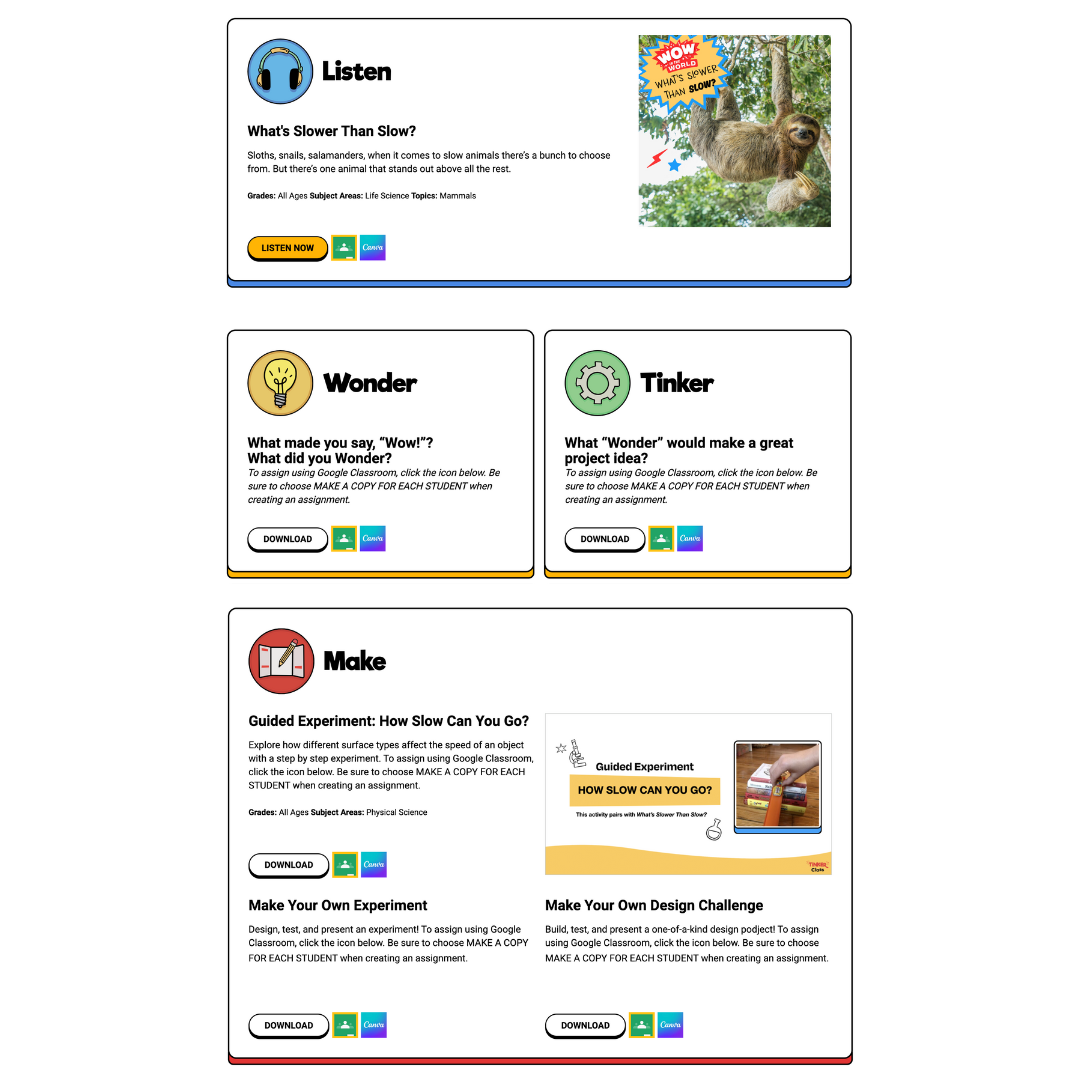
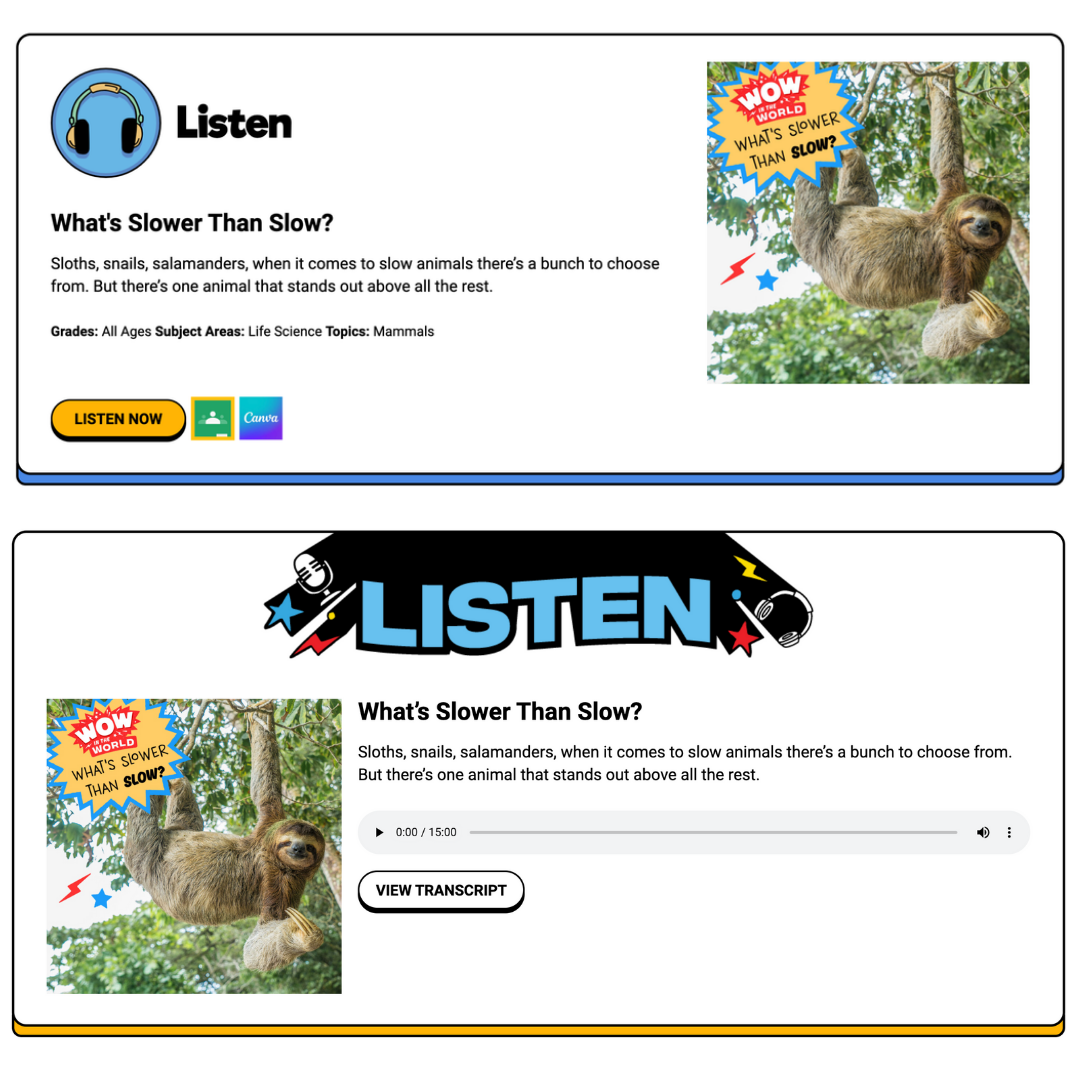
Each unit includes:
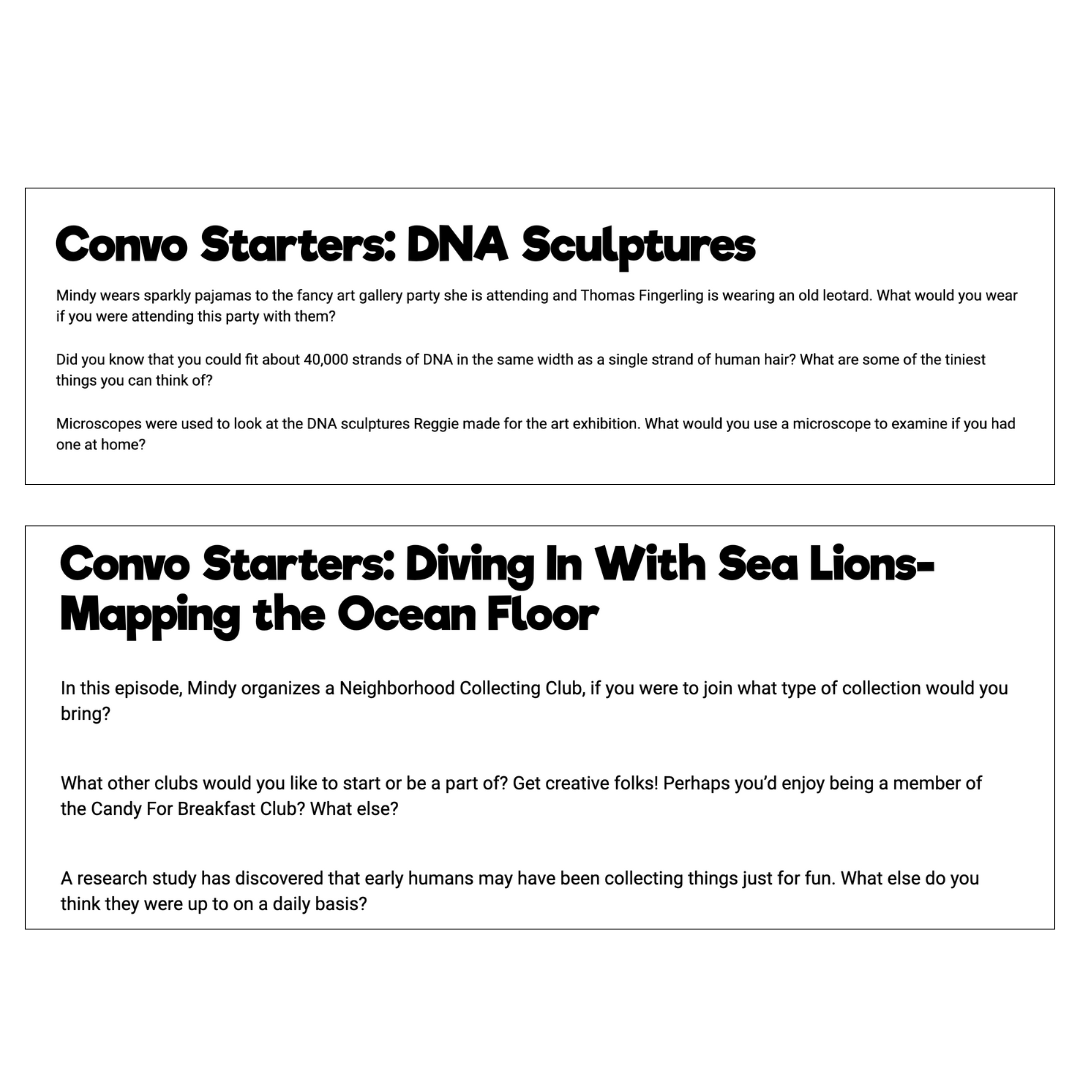
- An educational podcast episode like #1 kids and family STEAM podcast Wow in the World, social studies and ELA-aligned Who, When, Wow!, and science game show Two Whats?! And A Wow!.
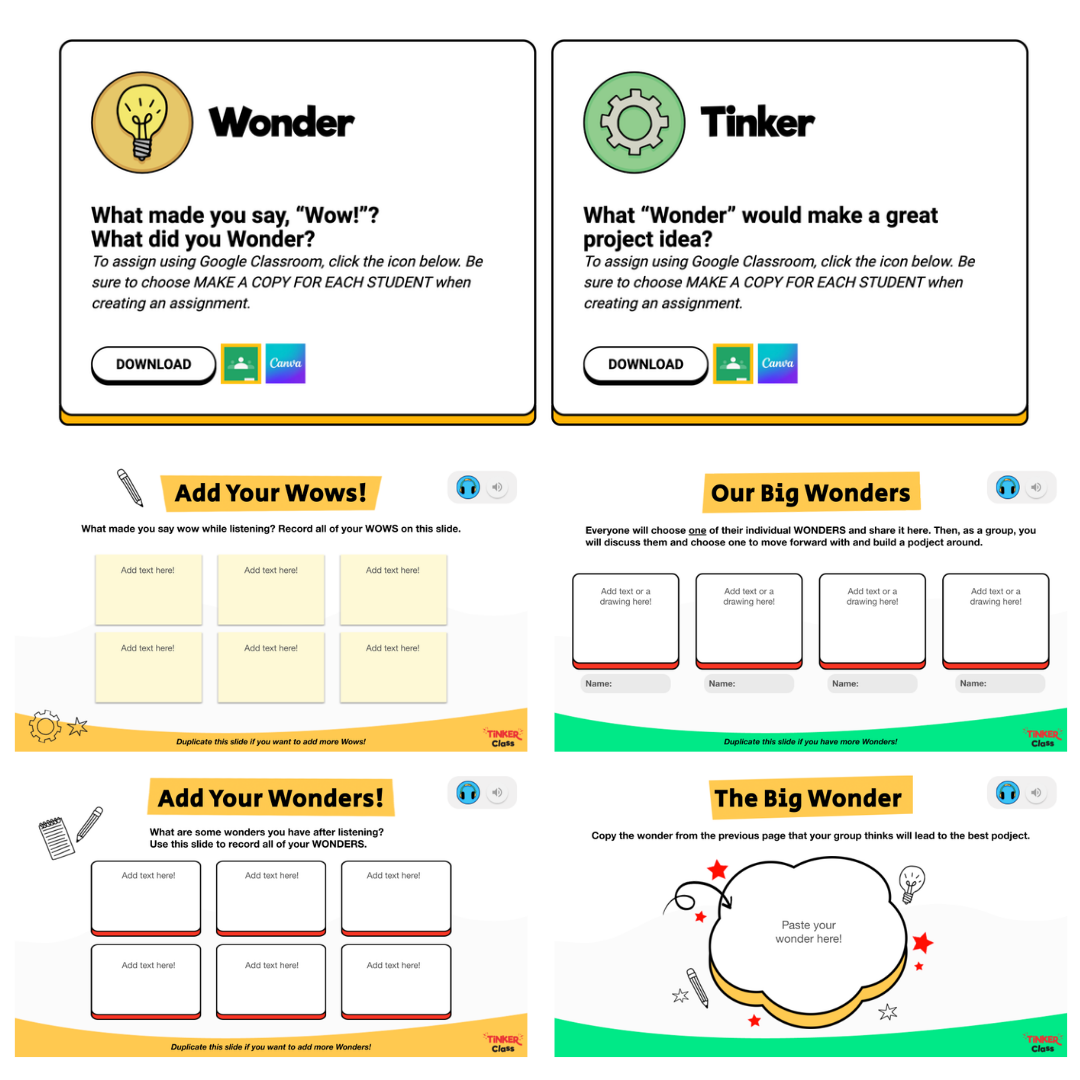
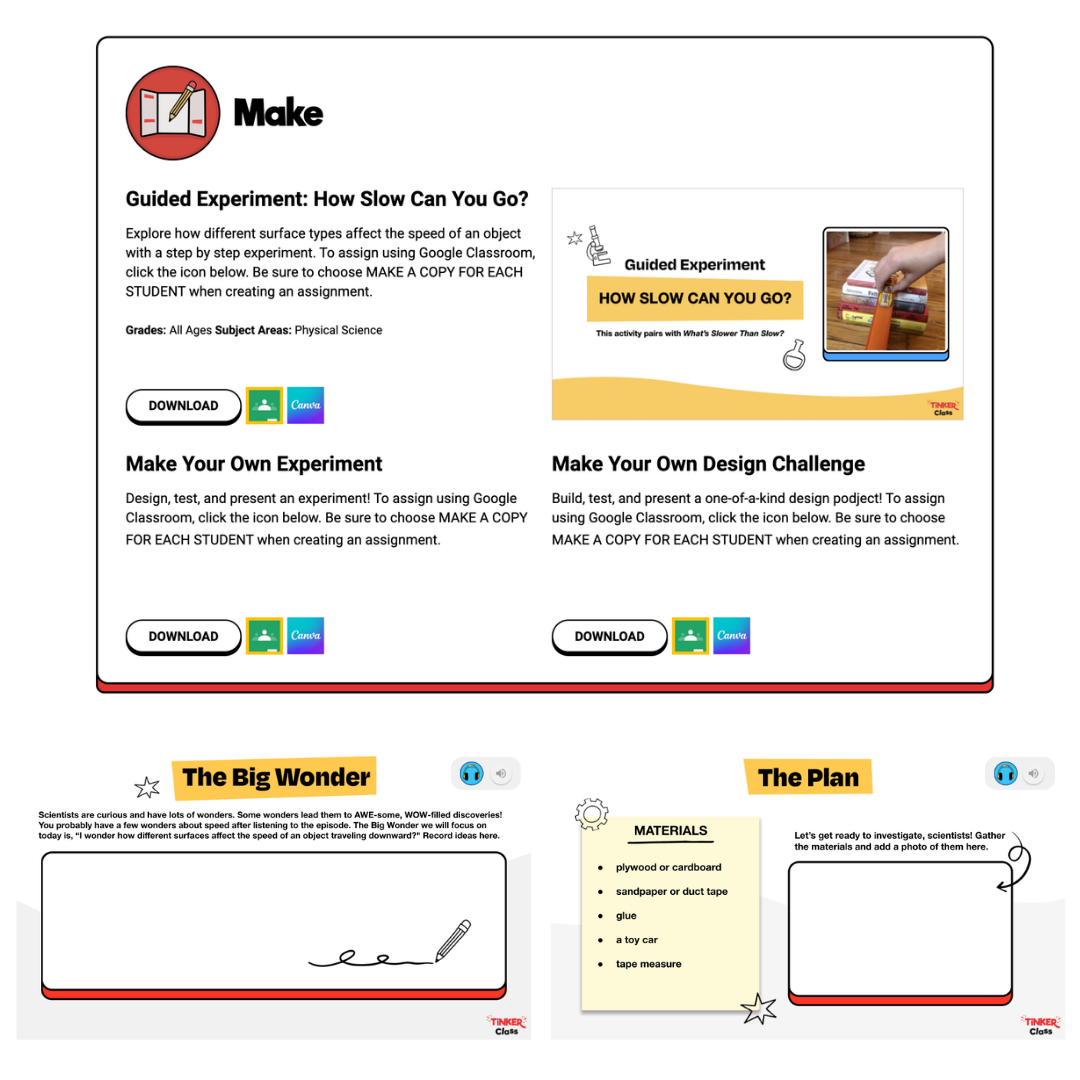
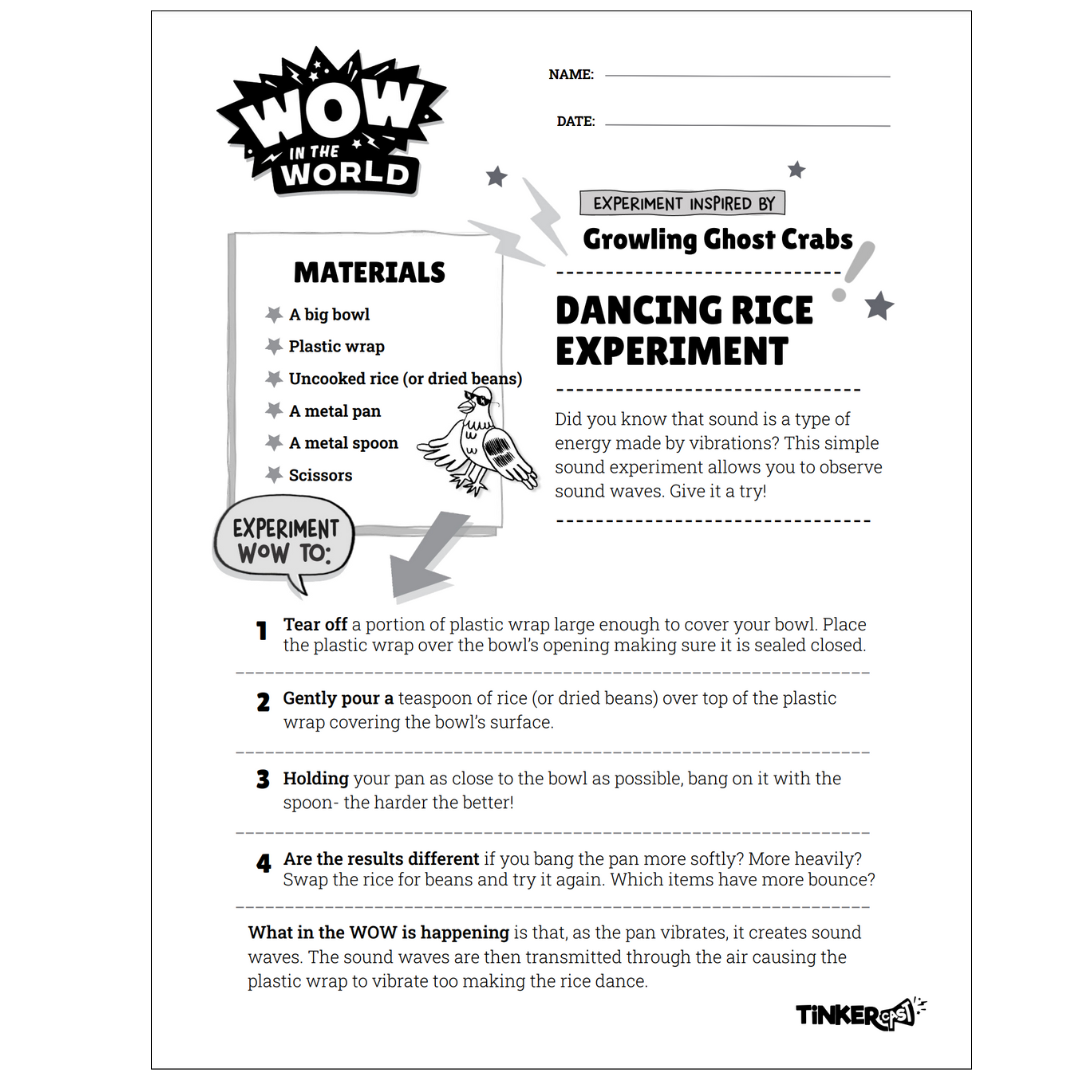
- Hands-on inquiry projects
- Writing and reflection prompts
- NGSS & ELA-aligned content
- Audio and text prompts to keep kids engaged, energized and moving through the lessons as a group or individually.
Perfect for grades K–5, STEM blocks, and cross-curricular learning.
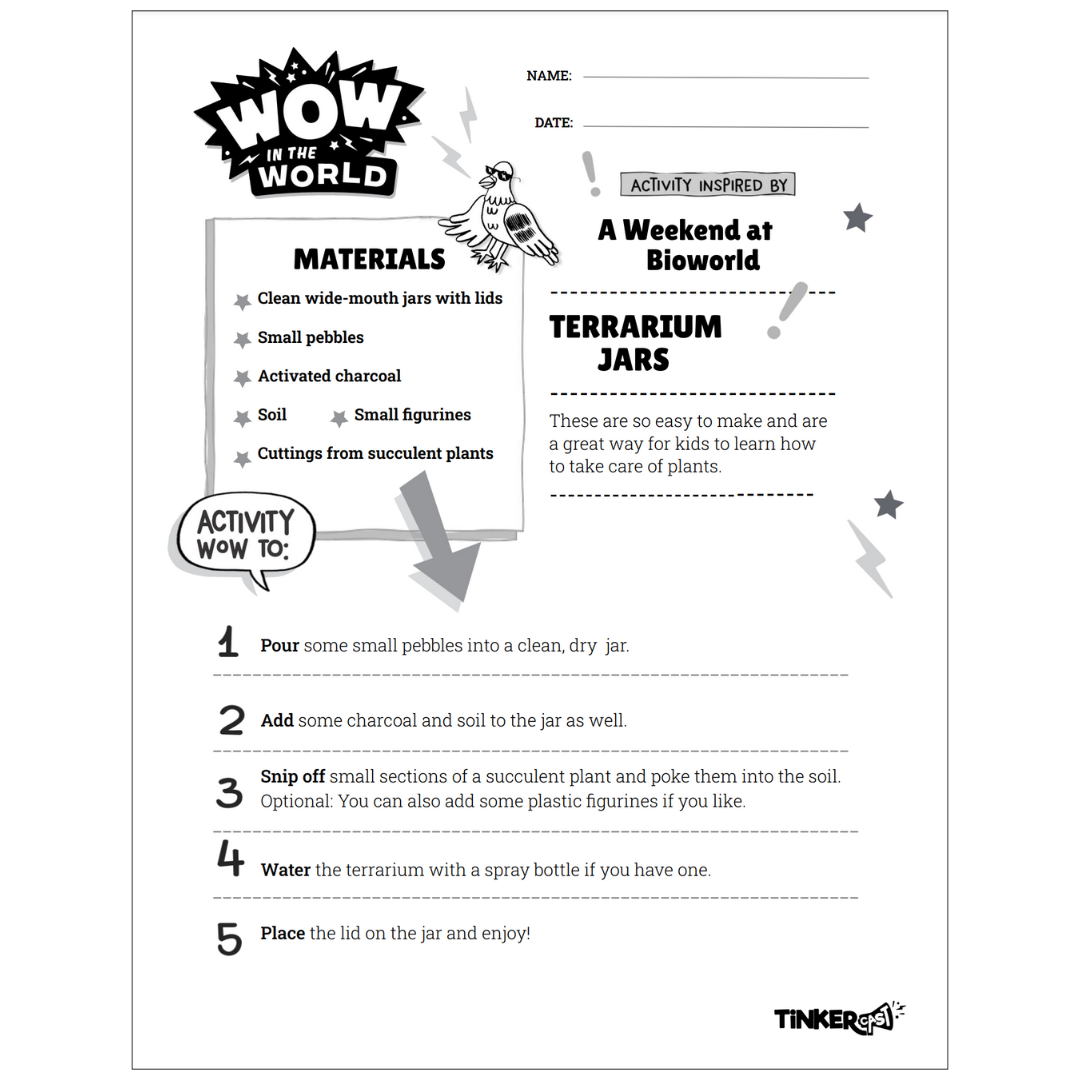
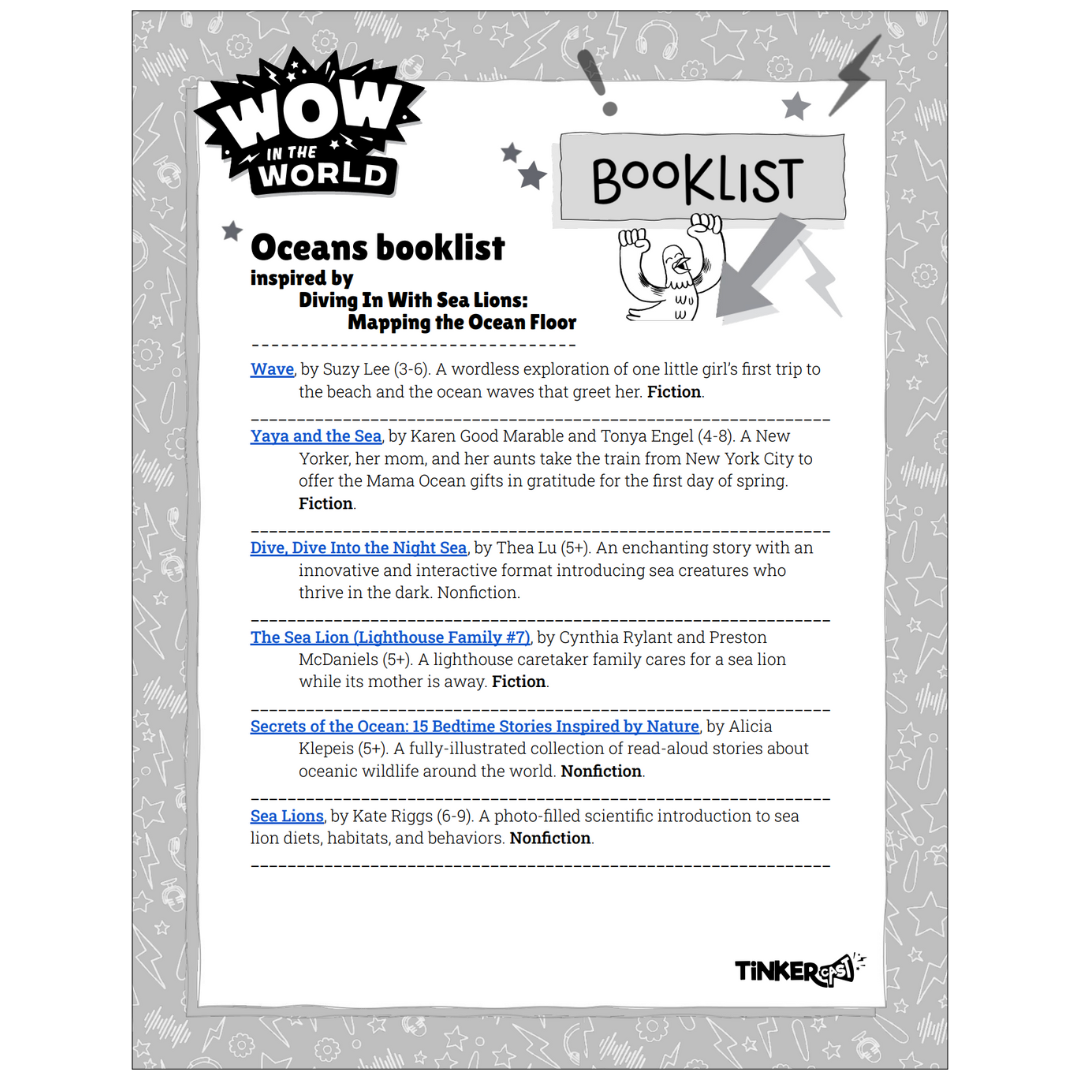
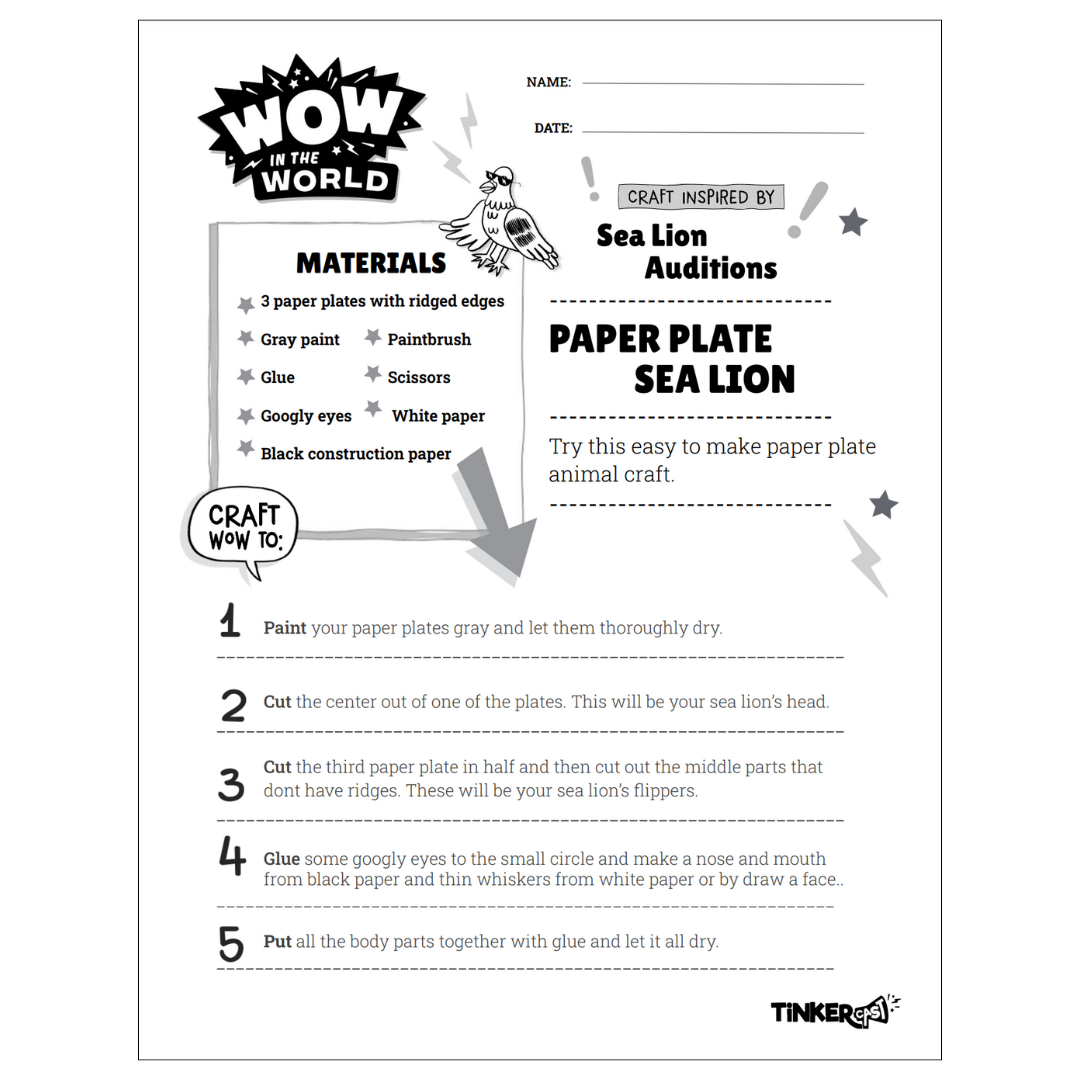
Learn more at TinkerClass.com
Questions? Contact us at [email protected]
Here’s How For District Administrators
- Log into Clever as a District Admin
Visit clever.com, choose District admin from the login dropdown, and sign in with your district credentials. - Navigate to Applications → Add Applications
From your dashboard’s left‑side menu, select Applications, then click Add applications to start searching for TinkerClass. - Search for and Select “TinkerClass”
Type “TinkerClass” in the app search bar, locate the correct listing, and click Add. - Complete the Request Setup
– Click Save and continue
– Set your preferred launch date when teachers should see TinkerClass
– Choose access permissions, ensuring teacher-level access (NOTE: TinkerClass does not support student account access.) - Send Request to TinkerClass Team
After submission, Clever sends a request to TinkerClass. You’ll receive an email or dashboard notification once approved.
After Teacher-Side Launch
Once TinkerClass is approved and live in the district apps:
- Teacher Logs In via Clever
Teachers log into Clever as staff, find TinkerClass listed under District Resources, and launch it directly. - Authenticate via SSO
A one-time SSO authentication occurs, linking their Clever account with TinkerClass. Subsequent access is direct and seamless.
Summary Table
| Step | Action | Notes |
|---|---|---|
| 1 | District admin login | via District admin portal |
| 2 | Go to Applications → Add | Access available apps |
| 3 | Search & add TinkerClass | Select correct listing |
| 4 | Configure & submit request | Launch date & teacher access |
| 5 | Teacher uses app | One-click login via Clever dashboard |
Once setup is complete, TinkerClass appears for teachers on your district’s Clever dashboard—making it easier for them to access podcast-powered learning without juggling multiple credentials.
Request TinkerClass Be Added to Our District’s Clever Portal
TinkerClass— the free, podcast-based learning platform for grades 3–6—is now available with Clever SSO for teachers! If you’d like to streamline access and integrate TinkerClass into your classroom tools, fill out this quick form to ask your district to add it to the Clever Portal.